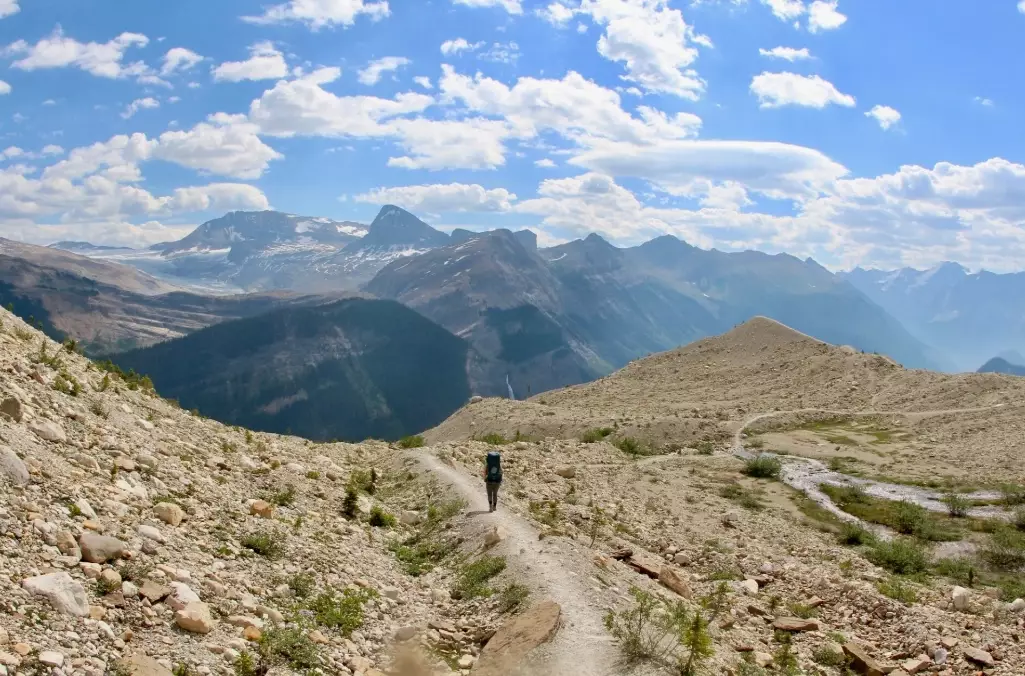
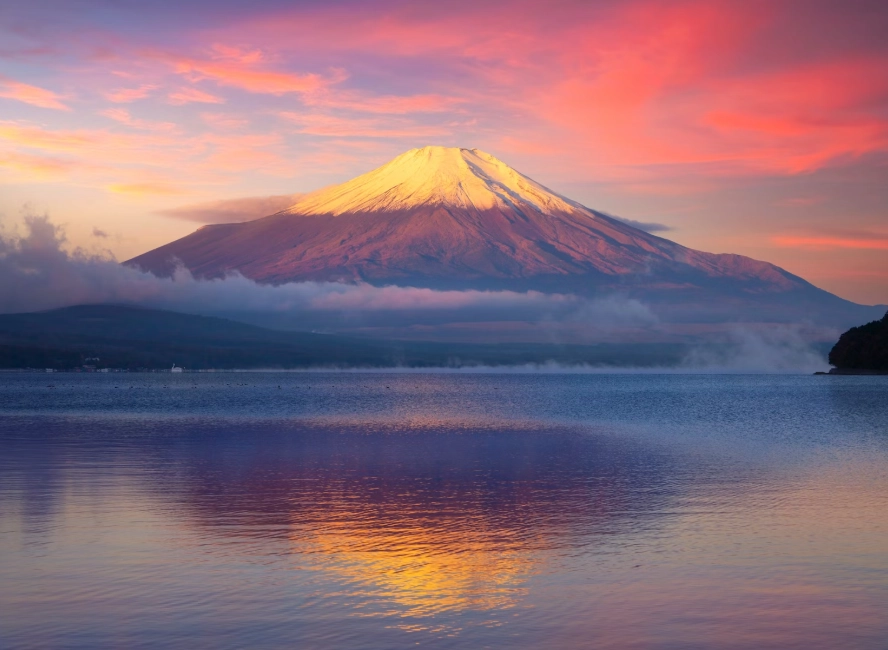
Let's be honest. Traveling alone is fantastic until you want a photo of yourself in that incredible place. Asking strangers is a gamble. Selfies get boring and rarely capture the scale or mood. I've been there, fumbling with my phone at sunrise in Santorini, trying to get a decent shot without looking like a lost tourist.
Here's the truth they don't tell you: taking professional-looking photos of yourself while traveling solo isn't just possible; it's often easier than relying on others. It gives you complete control. No more rushed shots from disinterested passersby. This guide isn't about theory. It's the exact system I've used for years, from the busy streets of Tokyo to the empty deserts of Jordan.
What's Inside This Guide?
Essential Gear for Solo Travel Photography
Forget packing everything. You need a minimal, reliable kit. The biggest mistake I see is people buying a massive, heavy tripod they never use. Portability is key.
| Item | Why It's Crucial | My Personal Recommendation & Notes |
|---|---|---|
| A Compact, Sturdy Tripod | This is your foundation. It holds the camera steady, allows for precise framing, and enables long exposures. A wobbly tripod ruins everything. | Look for carbon fiber if budget allows (lighter). Joby GorillaPod series is brilliant for wrapping around poles or trees. For full height, a compact travel tripod from Manfrotto or Peak Design is worth the investment. Height should at least reach your chest level. |
| A Smartphone Adapter Mount | If you're using your phone (and most people are), this is non-negotiable. It securely attaches your phone to any standard tripod screw. | Don't buy the cheapest plastic one. Get a metal clamp-style adapter. They cost around $15-$20 and are infinitely more secure. I've seen phones take a dive because of a flimsy mount. |
| A Bluetooth Remote Shutter | This tiny device is a game-changer. It lets you trigger the photo from your hand, hidden in a pocket, or behind your back for completely natural shots. | Generic ones on Amazon work perfectly for both iPhone and Android. Some are as small as a coin. Get one with a wrist strap so you don't drop it. Your phone's timer is a backup, but the remote is for control. |
| A Wide-Angle Lens (Optional but Powerful) | The built-in phone lens is often too narrow to fit both you and the landscape. A clip-on wide-angle lens dramatically improves your shots. | Brands like Moment or Sandmarc make high-quality ones. Avoid the super cheap, fisheye-style ones—they distort the edges badly. This is the one accessory that instantly makes your photos look more "professional." |
| A Small LED Fill Light | For portraits at dusk, in shaded forests, or for food shots in dimly lit cafes. It adds a sparkle to your eyes and balances shadows. | Something pocket-sized with adjustable brightness. You don't need a studio light. The Lume Cube is popular for a reason. I use it more than I expected, especially for indoor self-portraits. |
Your phone is a capable camera. An actual mirrorless or DSLR is great, but don't let gear paralysis stop you. Start with what you have.
How to Set Up Your Shot: A Step-by-Step Guide
This is the practical core. Let's walk through it like we're at a location right now.
Step 1: Scout and Secure Your Location
Don't just set up in the middle of a sidewalk. Find a spot that's interesting but where your tripod won't be a tripping hazard or an obstruction. Look for a slightly elevated spot—a low wall, a step, a stable rock. This gives a better angle. Check the background. Is a trash can perfectly aligned behind where your head will be? Move.
Step 2: Compose the Frame (Without You in It)
This is the secret. Frame your shot exactly as you want the final photo. Use the rule of thirds grid on your phone. Place the horizon line. Decide if you want to be centered or off to the side. Lock focus and exposure by tapping on the screen on the spot where you'll be standing. On most phones, tap and hold until you see "AE/AF Lock." This prevents the camera from refocusing on the background when you walk into the frame.
Step 3: The Walk-In and Pose
Now, walk into your marked spot. Have your Bluetooth remote in your hand, hidden. Don't look directly at the camera immediately. Look away, then glance back naturally. Walk through the scene. Sit down and look at the view. Pretend to adjust your bag. The remote lets you take 20-30 shots in a sequence without running back and forth. This variety is gold. You'll get one or two that look candid and effortless.
Most people stand stiffly, smile, and click. That's how you get awkward photos. Move. Interact with the environment.
How Do You Overcome Camera Shyness When Traveling Alone?
The mental block is real. You feel everyone is watching you. Here's the reality: 99% of people don't care. They're focused on their own experience. But to get past the feeling:
- Start Early or Stay Late: Shoot at sunrise. Places are empty, the light is magical, and there's no audience. It's the single best piece of advice for quality and comfort.
- Find Your Corner: Instead of the main viewpoint, find a slightly different angle that's less crowded. Your photo will be more unique anyway.
- Use the "I'm a Vlogger" Shield: People see a tripod and assume you're working. They're more likely to walk around you than mock you. Lean into it. Look serious, check your phone. You're just a content creator doing your job.
- Practice at Home First: Set up in your local park. Get used to the process where the stakes are low. Muscle memory builds confidence.
I was painfully shy about this. My breakthrough was in a quiet alley in Prague early one morning. No one was around, and I got a shot I loved. The confidence from that one success carried me forward.
Pro Tips for Specific Travel Scenarios
Different places need different tricks.
In a Bustling City (e.g., Tokyo's Shibuya Crossing): Use a higher ISO to keep a fast shutter speed and freeze motion. Set your tripod low to the ground to incorporate the flow of people's feet around you. Use a building's ledge or a public bench as a stable base if tripods aren't allowed.
In Vast Nature (e.g., a Icelandic waterfall like Skógafoss): This is where the wide-angle lens shines. Set your tripod, use a 2 or 3-second timer, and walk into the frame. Wear a brightly colored jacket to create a focal point against the grey and green. For scale, stand closer to the camera with the waterfall behind you.
At a Cafe or Restaurant: Use the small tripod on the table. No one bats an eye. Order your coffee, set up the shot with the food and decor, and use the remote under the table. It's perfect for capturing the vibe of solo dining.
Night Shots with City Lights: You must use the tripod. Switch to your phone's "Night Mode" or use a manual app to set a longer exposure (2-5 seconds). Stand very still during the exposure. The remote is essential here to avoid touching the camera. The result? Sharp city lights with a clear, well-lit you.
Quick Post-Processing for Solo Travel Photos
Don't overcomplicate editing. Use your phone. My 5-minute edit flow in Snapseed (free) or Lightroom Mobile (free for basic tools):
- Straighten & Crop: Fix any tilted horizons. Crop to improve composition.
- Adjust Lighting: Bump up the "Shadows" slider to reveal detail in your face. Slightly increase "Highlights." Use the "Selective" tool in Snapseed to brighten just your face if it's dark.
- Color & Pop: Increase "Vibrance" slightly (more subtle than Saturation). Adjust "Warmth" to make the photo feel cozier or cooler.
- Sharpening: A tiny amount of "Structure" or "Sharpening" adds clarity.
That's it. Avoid heavy filters. You want to enhance the memory, not disguise it.
Your Solo Travel Photography Questions, Answered
How do you take a picture of yourself in a crowded tourist spot?
Embrace the crowd or defeat it with time. To embrace it, use a slower shutter speed (if your phone allows) to turn moving people into artistic blurs while you, standing still, remain sharp. To defeat it, you have to go early. Be there before the official opening time. The golden hour light is a bonus. If you can't go early, look for alternative angles—shoot from a lower level looking up, or find a reflective surface like a window.
What's the biggest mistake people make with a travel tripod?
Not extending the legs fully or on uneven ground. A partially extended tripod is top-heavy and unstable, especially with a phone on top. On uneven terrain, adjust each leg's length independently to get the camera level, even if the tripod looks weird. Most tripods have a bubble level. Use it. A crooked horizon is the fastest way to make a photo look amateur.
Is it safe to leave your camera/phone on a tripod unattended for a second?
Absolutely not. Never step out of arm's reach of your gear. Not even to "see how the frame looks." Use the remote shutter from a distance, but keep your gear within your immediate zone of control. In busy areas, keep a hand on it. A camera on a tripod is a prime target for a quick grab. Your vigilance is the best security.
My solo photos always look stiff. How do I look more natural?
Stop trying to pose. Give yourself an action. "Walk from this rock to that tree while looking at the mountains." "Pretend to take a sip of coffee and laugh at something on your phone." "Adjust your jacket while looking down the street." Use the burst mode/continuous shooting with your remote and move through a simple action. The in-between moments, not the held "pose," are where the magic happens. Also, don't smile unless you genuinely feel like it. A thoughtful, relaxed expression often looks more authentic.